Citadel Animation and Model Tools Explained
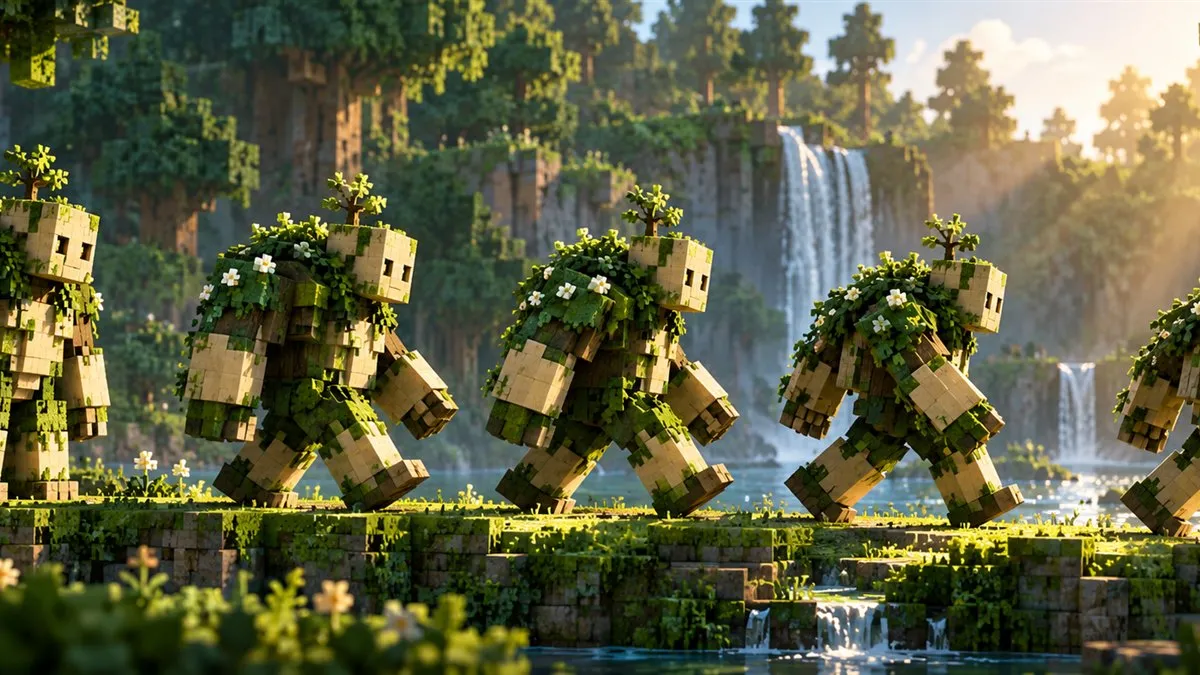
Creature movement is visible; the code that supports it usually is not. Citadel belongs to the supporting layer that developers can use while building their own modded entities.
Separate framework from creative design
An animation framework supplies tools. The content developer still decides how an entity looks, moves, behaves, and fits into a world. Installing the framework does not automatically redesign every creature or improve animations in projects that do not use it.
Understand what a player needs to do
Players generally need a compatible library release rather than a separate animation editor. Follow the content mod installation requirements and verify that its dependency loads successfully. If a particular creature behaves unexpectedly, identify its owning mod and read that project documentation before looking for a universal animation setting.
Investigate visual issues carefully
Record the affected entity, the action that triggers the problem, and the exact mod versions. Test whether the issue occurs in a small disposable instance containing the required projects. A short, repeatable description helps distinguish a content animation problem from a broader rendering interaction in a large pack.
Sources and further reading
For project details, release compatibility, and developer documentation, consult the official Citadel project page, official file listing, and Citadel source repository. Checked October 17, 2026.
All guides